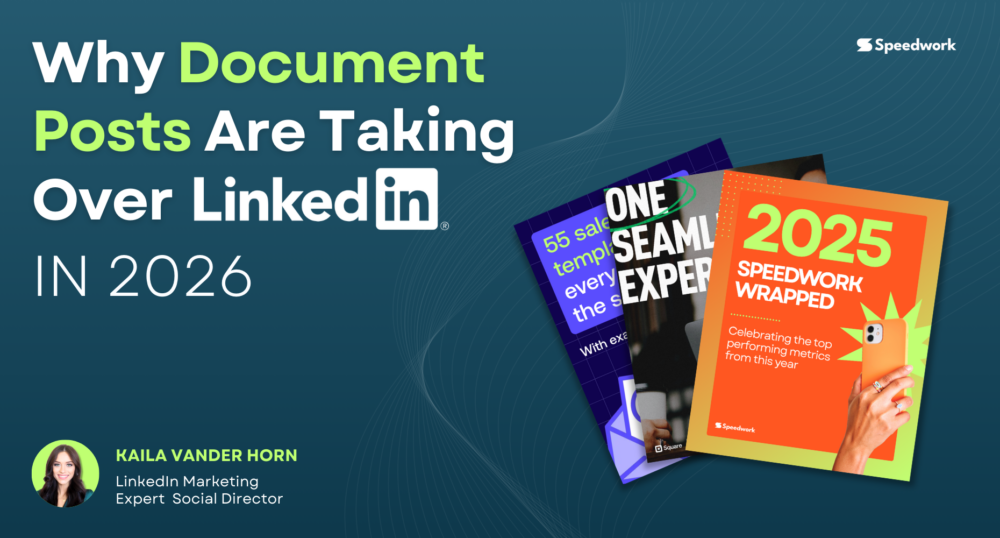
If your feed looks anything like mine, you’re probably seeing more document posts.
They’re everywhere. And there’s a simple reason for it.
In a feed that’s faster and more crowded than ever, document posts make people slow down. They’re one of the few formats that create a moment of focus at a time when attention is harder to earn.
People aren’t scrolling the way they used to. They’re being far more selective about what deserves their attention.
They skim past updates that feel familiar and ignore content that feels repetitive.
And LinkedIn pays attention to those behaviors.
So naturally, the platform started prioritizing content that holds attention, starts conversations, and keeps people on the page longer.
Document posts do all three.
What we mean by document posts
Document posts are swipeable PDFs you upload directly to LinkedIn, usually formatted as carousels.
They feel different from a typical post because the reader has to interact with them. People swipe, pause, and move through the content at their own pace.
This format also works as a lightweight asset. It can be repurposed, sent internally, or referenced during different stages of a buyer’s journey.
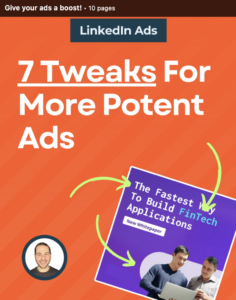
Learn more about the organic formats driving the most engagement here.
Why document posts work
Document posts change how people engage on LinkedIn.
One swipe turns a passive viewer into an active reader. Another swipe deepens the interaction. By the third, you’ve earned intentional attention.
When people stay with a post, LinkedIn notices. The platform continues to move the post through the feed because it reads that behavior as “This was helpful.”
Document posts also tend to hold their place longer than a single-image update. They keep people on the page, and content that keeps people on the page earns more visibility.
If your goal is to stay visible longer than 24 hours, document posts give you a real chance at it.
How to make document posts worth saving
A document post works best when the reader knows exactly what they will get from it. The first slide sets that expectation. If it is clear and helpful, they will keep going.
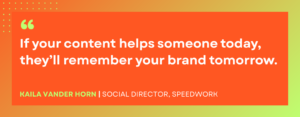
Each slide after that should carry one idea at a time. Simple, direct, and easy to understand. People read posts when they feel like the content will help them later (not just when the design looks impressive).
What usually works well:
- Write like a human
- Keep the ideas clean and skimmable
- End with something someone can use again, like a framework or checklist
Where brands commonly go wrong
A lot of brands treat document posts like ads, and the audience can feel it immediately. Heavy design, light substance, and content that focuses more on the company than the reader.
Another mistake is creating posts that look impressive but don’t actually teach anything. When the visuals overpower the ideas, people check out early.
Here’s a better approach:
- Lead with something genuinely helpful
- Use design to support the message
- Give enough depth to be useful without turning it into a full presentation
When a document post helps the reader, it earns more attention and tends to stay visible longer.
Get the complete playbook for LinkedIn organic posting here.
Need help creating content that actually performs?
This is what we do at Speedwork.
We help B2B brands and executives build organic strategies that grow trust, drive engagement, and keep your message visible well beyond the initial post.
If your team wants content that keeps working after it’s published, schedule a quick intro call here.
Let’s make your LinkedIn presence something people genuinely remember.